This article explains how to enroll in the intercom directory.
- Intercom recipients receive an email invitation with instructions on how to download the mobile app and enroll.
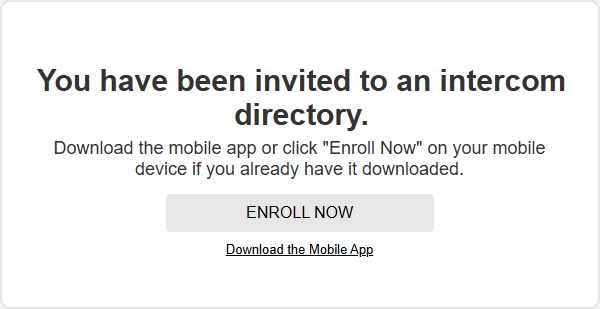
Note: Users will not receive this email if this is not their first Alarm.com account. - After logging in to the mobile app, tenants have access to an Intercom dashboard card, prompting them to enroll and set up their intercom profile. Tap Enroll.

Note: If part of a system group, recipients must switch to the community system before initiating the enrollment process. - Tap Get Started.

- Enter the required name information, then tap Next.

- To complete intercom enrollment and create an intercom call push notification rule, tap Agree & Save.

- Once enrolled, the Intercom card will update to show the door status.
- System group members will only see this card while switched to the community system.
Note: The intercom card on the mobile app can be used to buzz open the door on demand.