This article shows the steps to resend a welcome email to a resident. If a resident does not activate their account within 48hrs the welcome email link will expire and require being resent. Note - this process can also be used to resend a user code if the resident doesn't receive it.
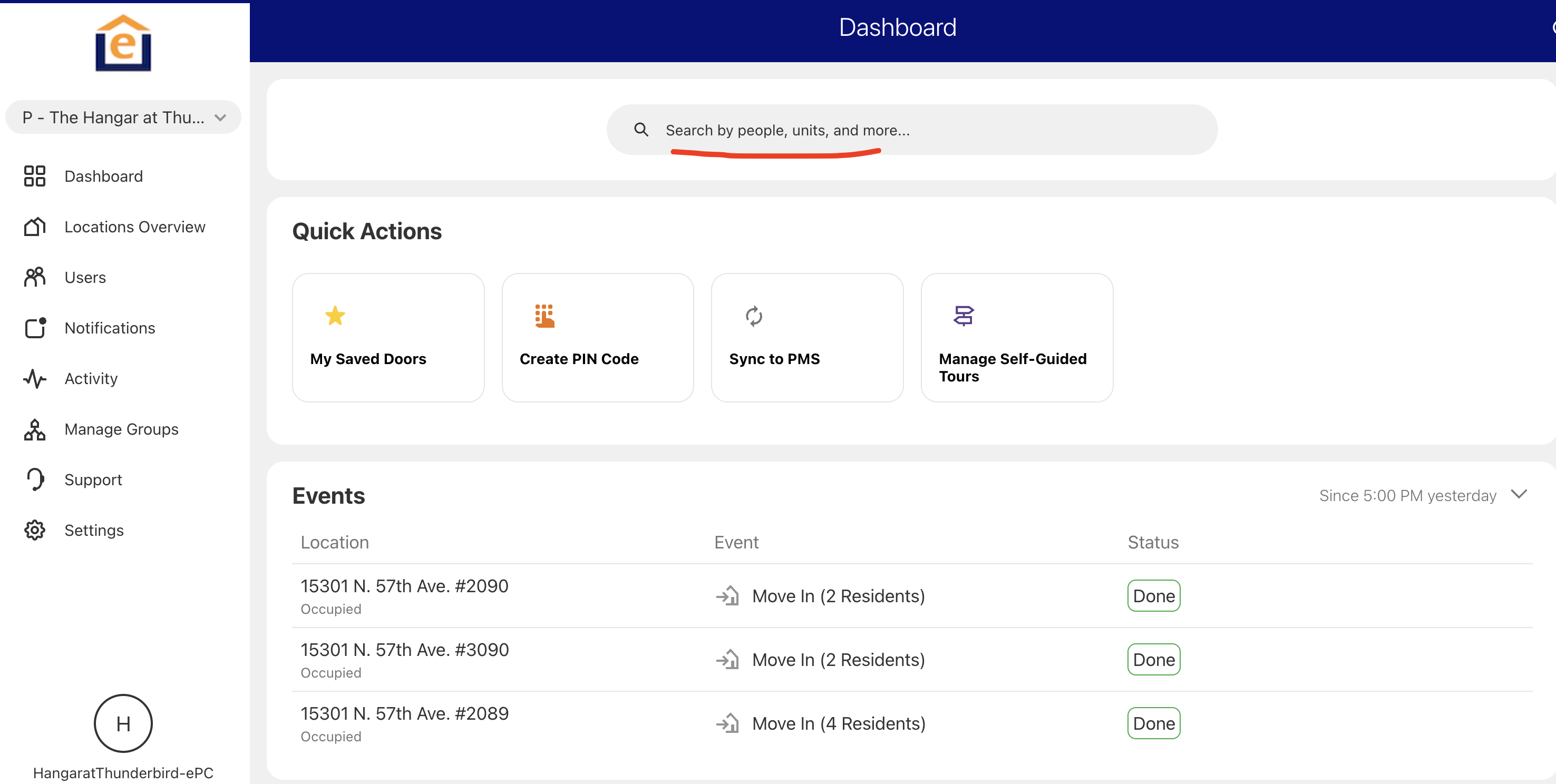
1. Login to the pointcentral customer portal (https://secure.pointcentral.com/loginpage.aspx). At the search box at the top, type in the resident name and select the resident.
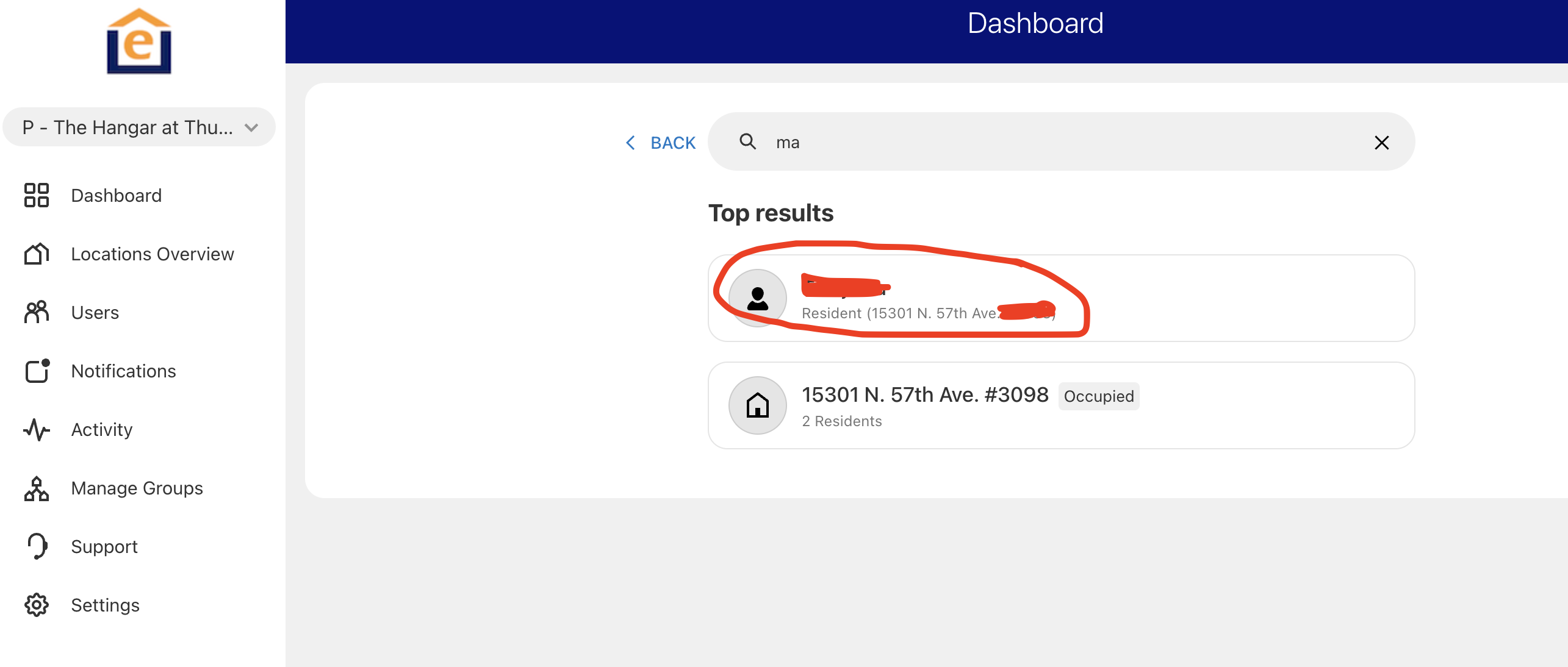
2. If they have not activated their account you will see a notice at top indicating the resident hasn't activated their account. Before you click "resend", please verify their email and phone number in the contact to ensure it is correct.
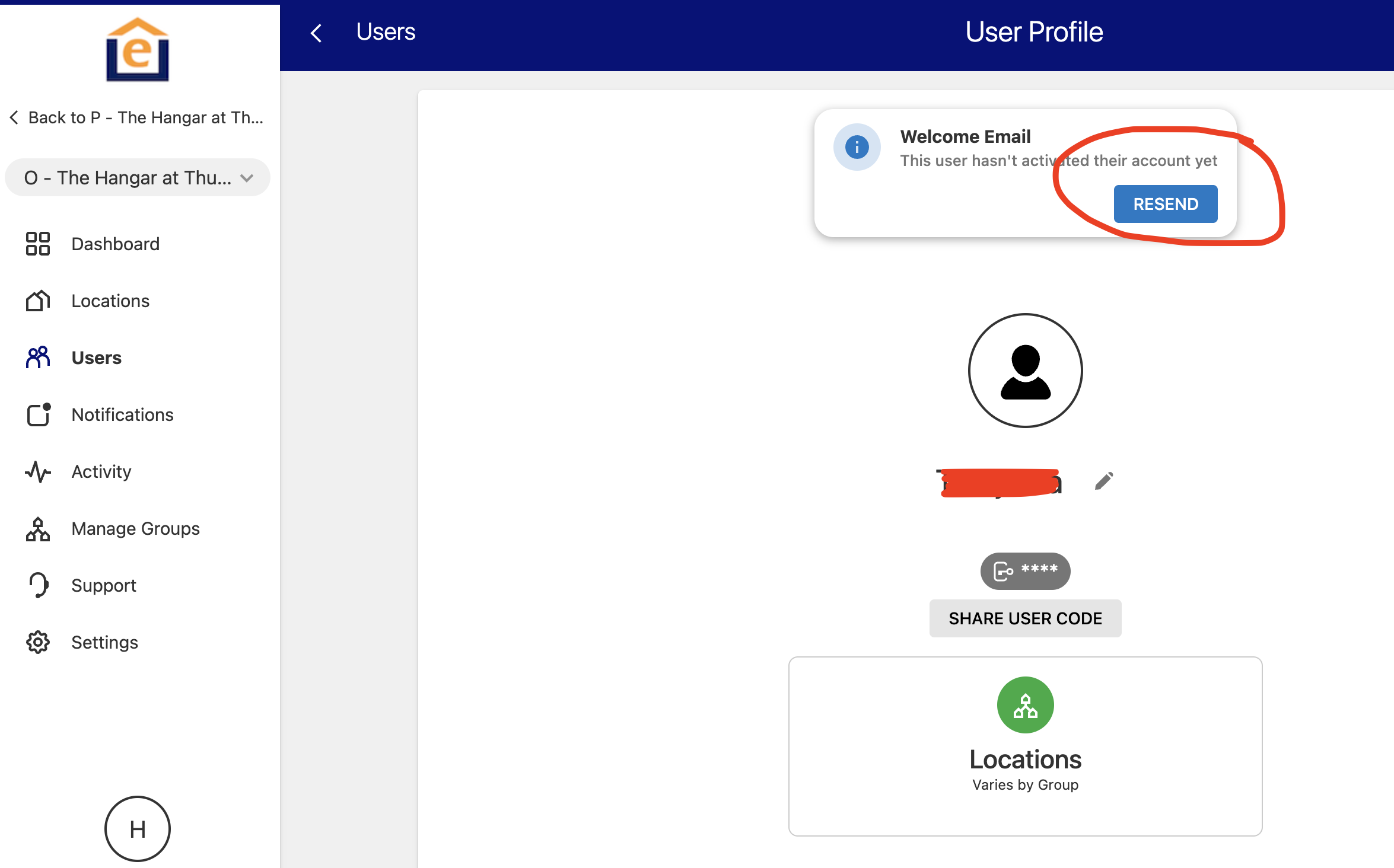
3. Click "Resend" and the system will email and send a text message to the resident with the welcome information.
Note: You can also access the user through the Occupied group, Users if you prefer navigating that way. You can reshare user code by clicking "share user code" and the system will email and text the code to the resident.